Two Ways to Train with Virtual Smoke School
Choose our purpose-built Virtual Smoke School headset for the simplest ready-to-use experience, or use a compatible Meta Quest headset you already own.
Jump to Comparison Table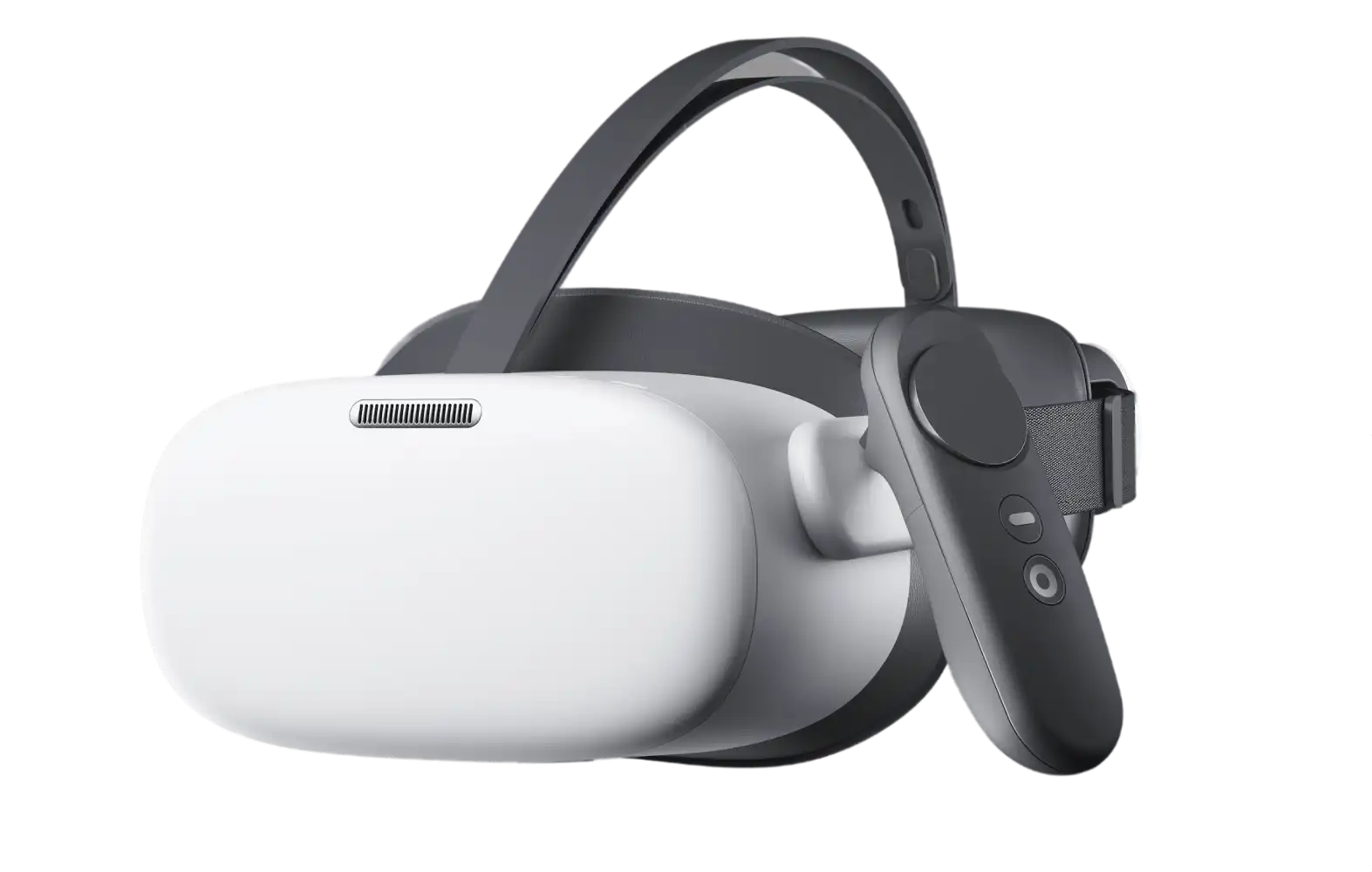
Virtual Smoke School Headset
Our dedicated headset is configured exclusively for Virtual Smoke School. Turn it on, log in, and start training.
Dedicated VR Headset — $500
Your complete, ready-to-use Virtual Smoke School training system.
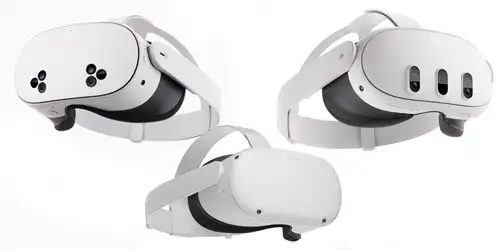
Use Your Existing Headset
Virtual Smoke School also works with compatible Meta Quest headsets, giving you the flexibility to use VR hardware you already own.
$250
Register for Virtual Smoke School and use your compatible Meta Quest headset.
Continue to RegistrationCompare Your Headset Options
Both options provide access to the same Virtual Smoke School Method 9 training and certification.
| Feature | VSS Dedicated Headset | Meta Quest |
|---|---|---|
| Method 9 Training & Certification | ||
| Virtual Smoke School Pre-Installed | Browser Access | |
| Training Assets Pre-Loaded | Online | |
| Dedicated to Virtual Smoke School | General Purpose | |
| Setup Required | Minimal | Some Setup |
| Internet Dependency | Lower | Higher (35 Mbps recommended for streaming) |
| Can Be Used for Other VR Applications | Dedicated to VSS | |
| Headset Provided by AeroMet | Owned by your organization | Client-Supplied |
| Headset Cost | $500 Starter Kit | Use Existing or Purchase Separately |
Which Setup Fits Your Organization?
Choose the VSS Starter Kit If...
- You want the simplest setup possible.
- You want a headset dedicated exclusively to employee training.
- You want training assets stored directly on the device.
- You want a ready-to-use system provided and configured by AeroMet.
Use Meta Quest If...
- You already own a compatible Meta Quest.
- You want to use the headset for other VR applications.
- You have a reliable high-speed internet connection.
- You're comfortable with browser-based access and some additional setup.
Network Considerations
Enterprise WPA2-Enterprise networks using PEAP/MSCHAPv2 may not be supported. A WPA2-PSK network is recommended for VR devices.